


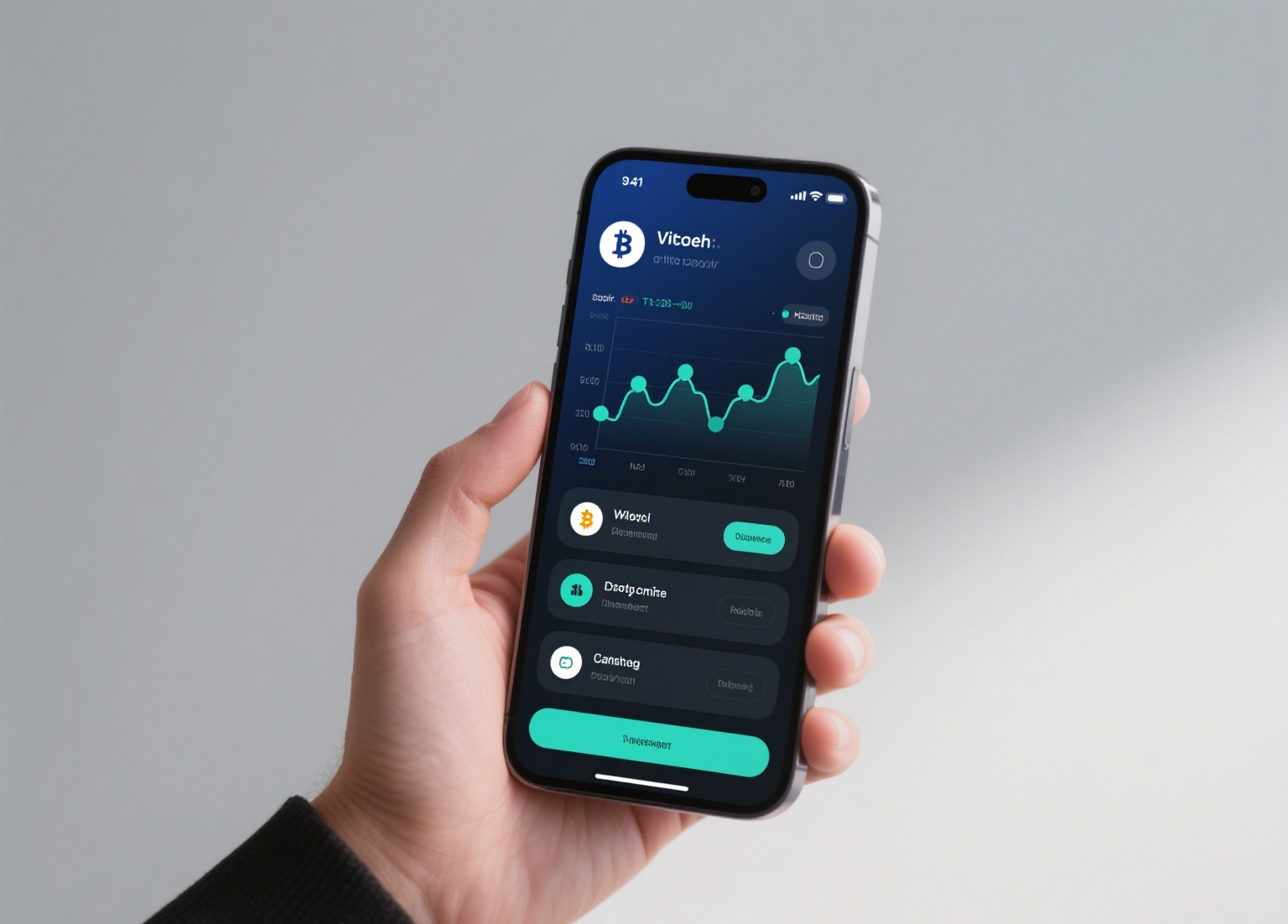
Binance Decentralized Exchange, commonly referred to as Binance DEX, is a non-custodial trading platform built on Binance Chain. Unlike the centralized Binance.com exchange, Binance DEX allows users to retain full control of their private keys and funds. This guide explains how to download and use the Binance DEX platform, covering essential steps from installation to executing your first trade.
First, it is important to understand that Binance DEX is not a mobile app you download from the Apple App Store or Google Play Store. Instead, it operates through a web interface or a dedicated desktop application. To begin, visit the official Binance DEX website. Ensure you are on the correct URL to avoid phishing sites. The platform supports browsers like Chrome and Firefox, and for enhanced security, you can use the Binance Chain Wallet browser extension.
To download the desktop version, go to the Binance DEX homepage and locate the "Download" section. Here you will find options for Windows, macOS, and Linux. Choose the appropriate installer for your operating system. After downloading, run the installer and follow the on-screen instructions. Once installed, launch the application. You will be prompted to create or import a wallet. If you are new, select "Create Wallet" and securely store your 24-word recovery phrase. This phrase is the only way to restore access to your funds—never share it with anyone.
After setting up your wallet, you can connect to the Binance DEX network. The interface will display your BNB balance and other supported assets. To deposit funds, click on "Deposit" and use the generated address to send tokens from another wallet or exchange. Note that Binance DEX only supports BEP-2 tokens, so ensure your assets are on the correct network.
To trade, navigate to the "Exchange" section. Here you will see order book data, price charts, and your open orders. Select a trading pair, such as BNB/USDT. Enter the amount you want to buy or sell, choose between a limit or market order, and confirm the transaction. Because this is a decentralized exchange, you must sign each transaction with your private key—this adds an extra layer of security. The transaction will be broadcast to the Binance Chain and confirmed within seconds.
For withdrawals, go to the "Withdraw" section, enter the recipient address and amount, and sign the transaction. Always double-check the address before confirming, as DEX transactions are irreversible. To view your transaction history, use the "History" tab, which records all trades, deposits, and withdrawals on-chain.
Security is paramount when using Binance DEX. Never enter your recovery phrase into any website or application other than the official Binance DEX wallet interface. Additionally, consider using a hardware wallet like Ledger or Trezor for large holdings, as Binance DEX supports hardware wallet connections. Keep your software updated and be cautious of fake Binance DEX apps or browser extensions.
In summary, using Binance DEX involves downloading the correct desktop application, creating a self-custodial wallet, depositing BEP-2 tokens, and signing transactions on-chain. The process is more secure than centralized exchanges but requires careful handling of private keys. By following this guide, you can confidently trade on a decentralized platform while maintaining full ownership of your assets.